
Do this in the latest Firefox browser, and a large screen device, not a mobile phone.
Click on Preview on the left of the screen. You'll see a spinner, as the website typesets your book. If it is a large book this can take five or more minutes. When it's done, you'll see a preview of the PDF:
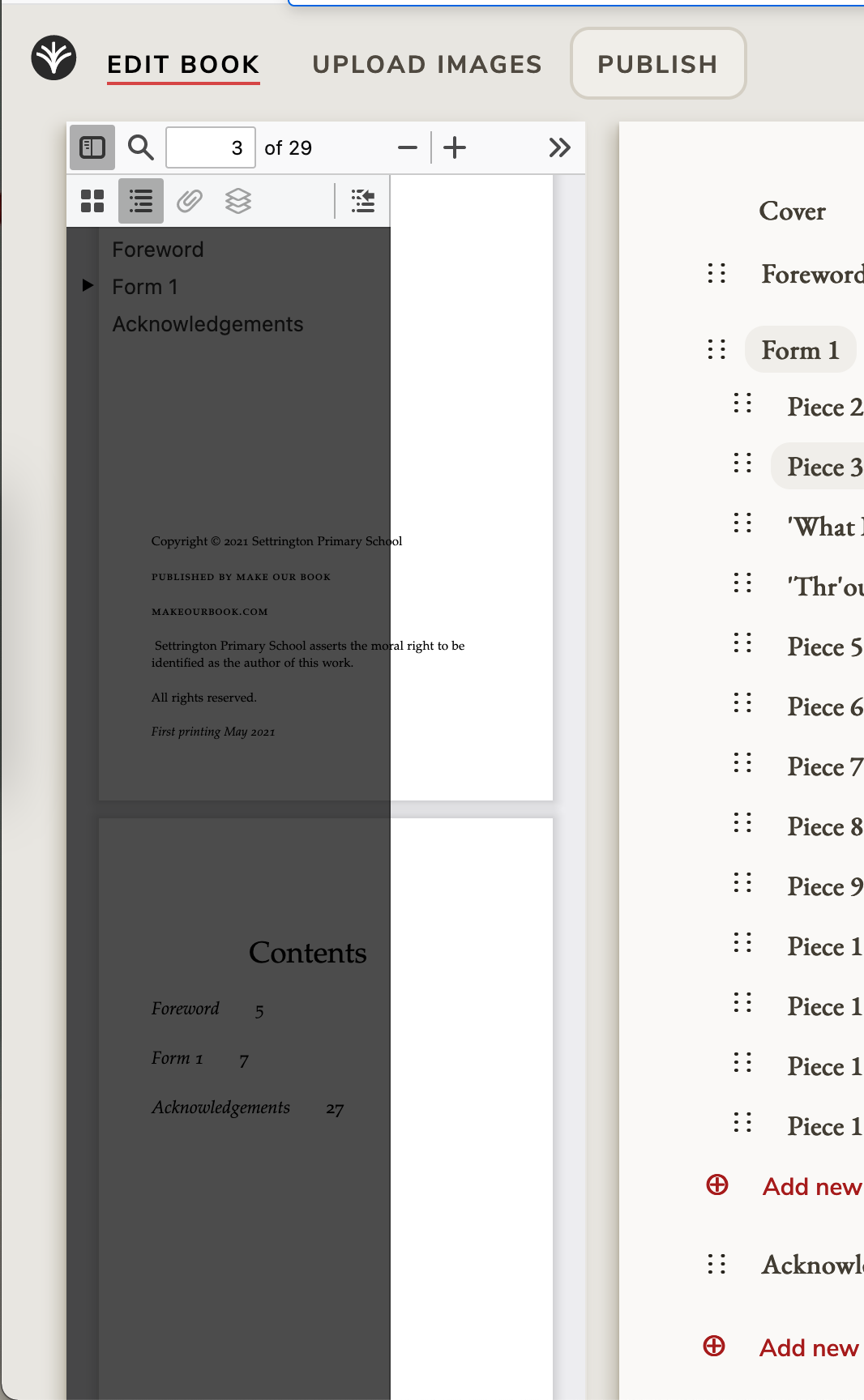
Click the icon on the left to get rid of the dark index overlay. Then click the >> on the right to bring up a menu. Select "Even spreads":
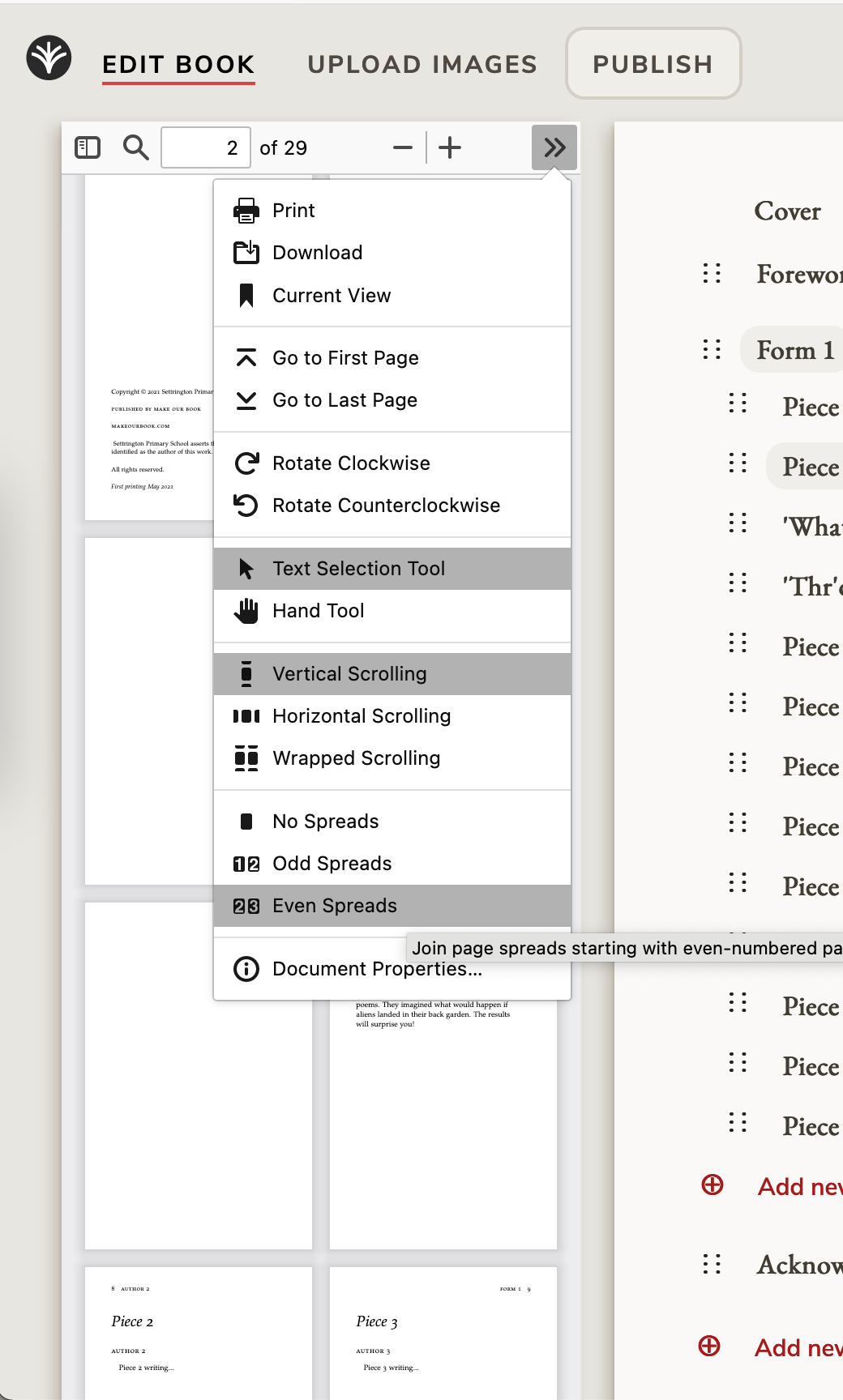
The view you'll get is how the book will appear when printed, including the index at the back, so you can check you're happy with the flow.
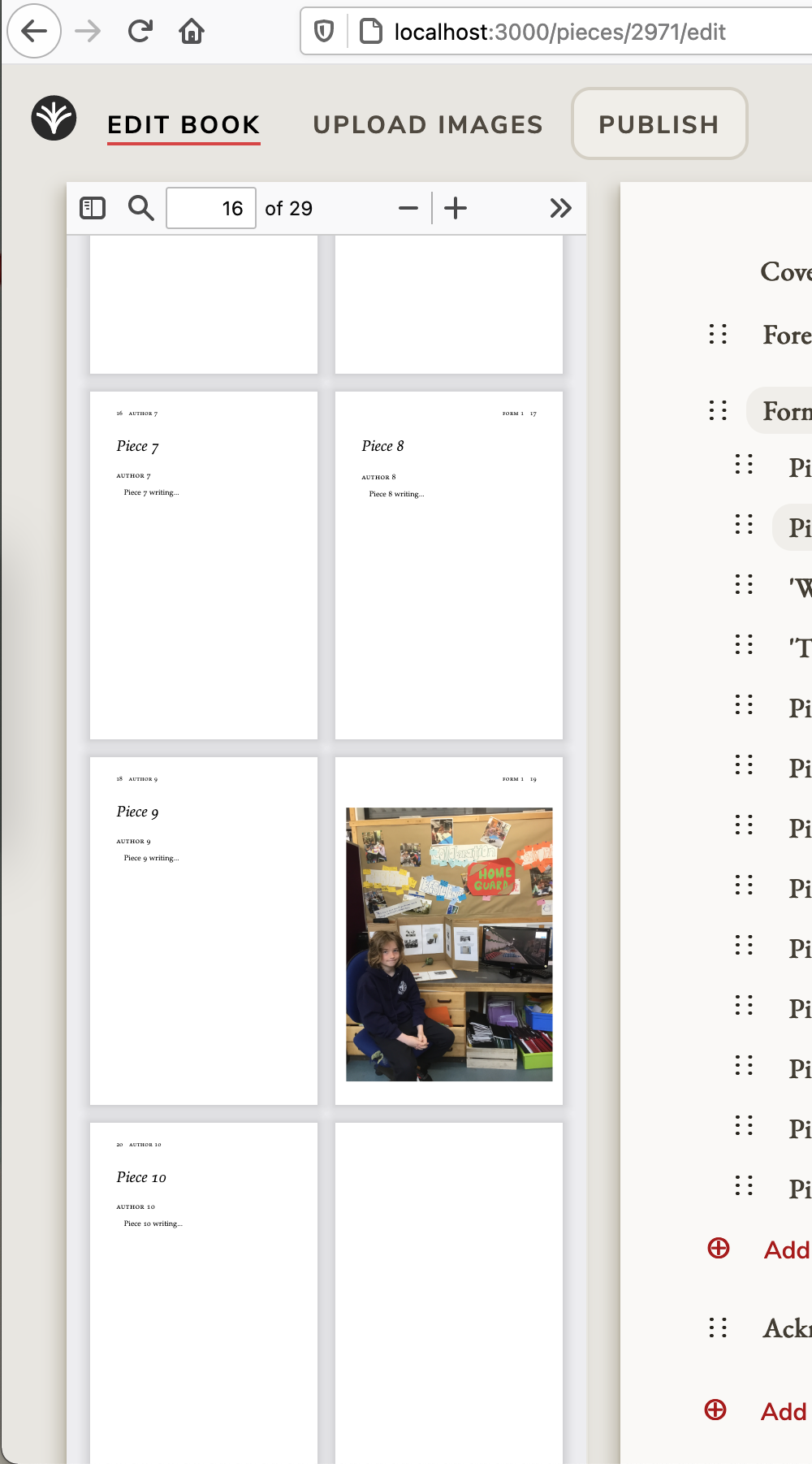
This PDF is regenerated every time a change is made to the content, which can end up taking a while as you make a change, regenerate the preview, make a change, etc. You can download the PDF from the >> menu, or another tip to help with this is to keep the tab with the preview open, and duplicate the browser tab, in which you can make changes without losing your preview.